
Astronaut VR Google Cardboard1.13 - Google Play
You'll be able to see results in few seconds.
Publisher Description

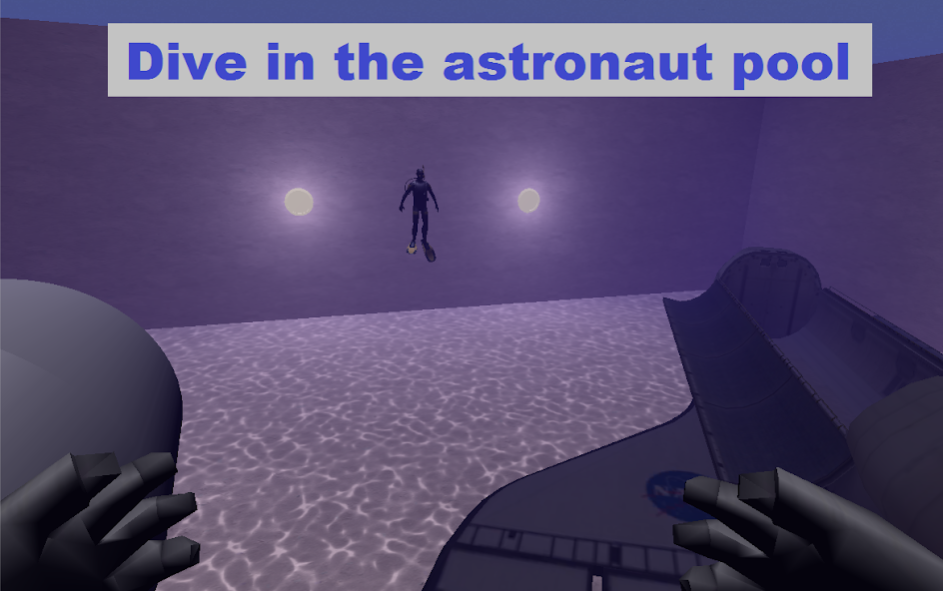
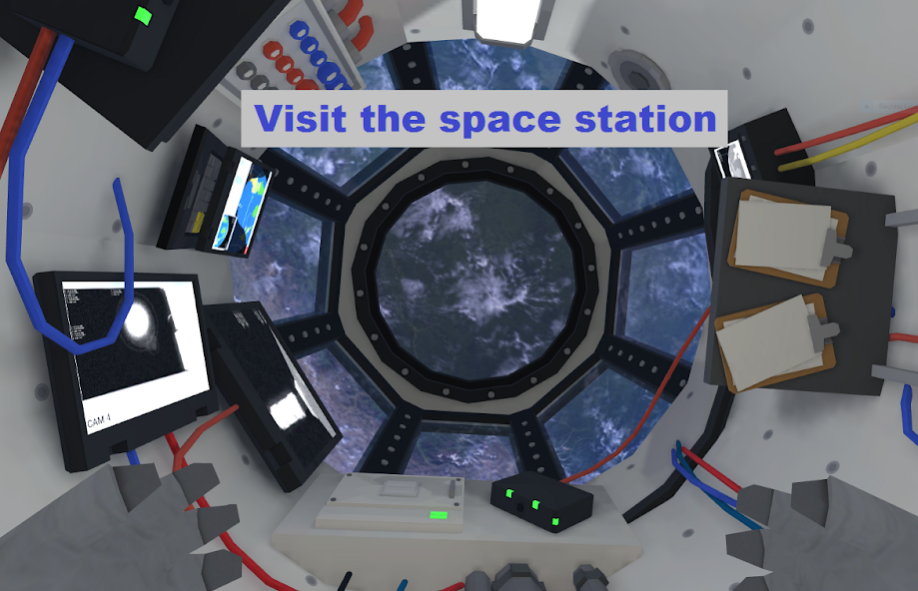
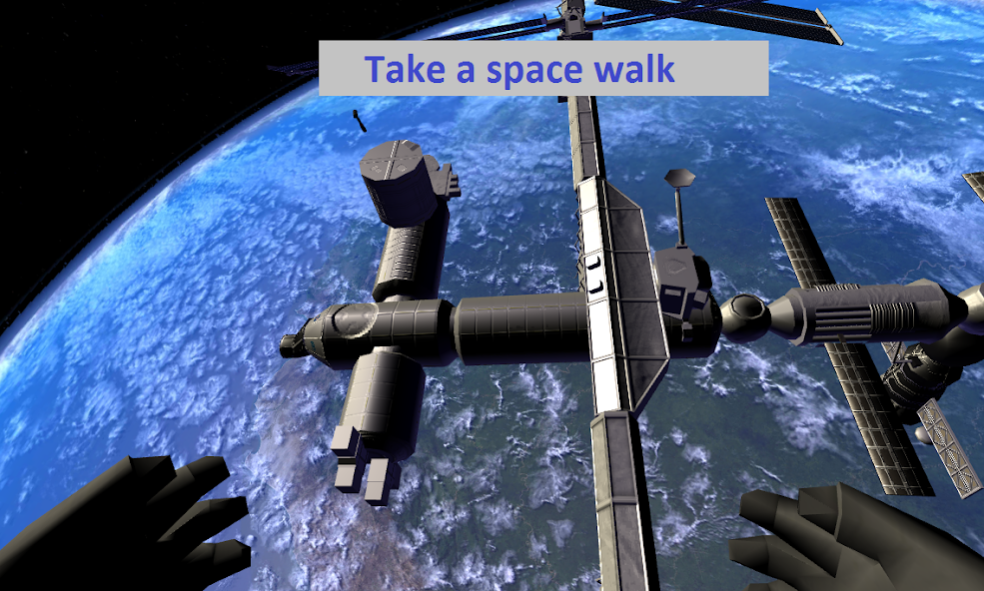
Ever dreamed of making a trip to the International Space Station (ISS)?
With Google Cardboard and Astronaut VR you will experience a space walk in virtual reality (VR).
Enjoy the view back to earth from 400km. We only have this lovely planet.
For the best experience, you need a Google Cardboard compatible VR device and a powerful phone.
Samsung Galaxy S8, S8+ and Note 8
users: please make sure to enable WQHD+ display resolution in Settings > Display > Screen resolution > WQHD+ > Apply.
You control your astronaut through gaze direction and slight head rotation. No trigger or external controller is needed.
We are currently working on further missions for Astronaut VR, in which you can prove your astronaut skills.
Please send us feedback, so we can improve.
Learn more about Google Cardboard!
https://vr.google.com/cardboard/
Compatibility
This app is also compatible with other viewers like: Fove 0, Durovis Dive, Merge VR, Refugio 3D, FIBRUM VR, ANTVR, Homido, Carl Zeiss VR One
About Astronaut VR Google Cardboard
The company that develops Astronaut VR Google Cardboard is Muchoviento.net. The latest version released by its developer is 1.13.
To install Astronaut VR Google Cardboard on your Android device, just click the green Continue To App button above to start the installation process. The app is listed on our website since 2017-11-03 and was downloaded 0 times. We have already checked if the download link is safe, however for your own protection we recommend that you scan the downloaded app with your antivirus. Your antivirus may detect the Astronaut VR Google Cardboard as malware as malware if the download link to de.muchoviento.vr.astronaut is broken.
How to install Astronaut VR Google Cardboard on your Android device:
- Click on the Continue To App button on our website. This will redirect you to Google Play.
- Once the Astronaut VR Google Cardboard is shown in the Google Play listing of your Android device, you can start its download and installation. Tap on the Install button located below the search bar and to the right of the app icon.
- A pop-up window with the permissions required by Astronaut VR Google Cardboard will be shown. Click on Accept to continue the process.
- Astronaut VR Google Cardboard will be downloaded onto your device, displaying a progress. Once the download completes, the installation will start and you'll get a notification after the installation is finished.
Program Details
System requirements
Download information
Pricing
Version History
version 1.13
posted on 2017-11-03
v.1.13:
* added spanish translation (thanks to the playa sur surf center team!)
* cupola bonus level now swaps earth view
v.1.12:
* added in-app purchase to disable ads (thanks for your support)
* corrected english translation
* fixed textures inside ISS
v 1.11:
* (!) added a new mission - Hubble EVA - have fun
* minor performance and graphic improvements
version 1.7
posted on 2016-12-02
v 1.7:,* nicer Launcher Icon,* fixed minor visual flaws,v 1.6:,* (!) added a new training mission,* better lighting and solar panels for the ISS mission,* reduced .apk size,Better hands or suit will come in a few weeks.,New mission will come in the next months.,v 1.5:,* reduced .apk size,* better performance and visuals,v 1.4:,* performance improvements,* more detailed earth and moon background,* new audio message,* increased movement speed of astronaut
Disclaimer
Official Google Play Link
We do not host Astronaut VR Google Cardboard on our servers. We did not scan it for viruses, adware, spyware or other type of malware. This app is hosted by Google and passed their terms and conditions to be listed there. We recommend caution when installing it.
The Google Play link for Astronaut VR Google Cardboard is provided to you by apps112.com without any warranties, representations or guarantees of any kind, so access it at your own risk.
If you have questions regarding this particular app contact the publisher directly. For questions about the functionalities of apps112.com contact us.
